
Skildring
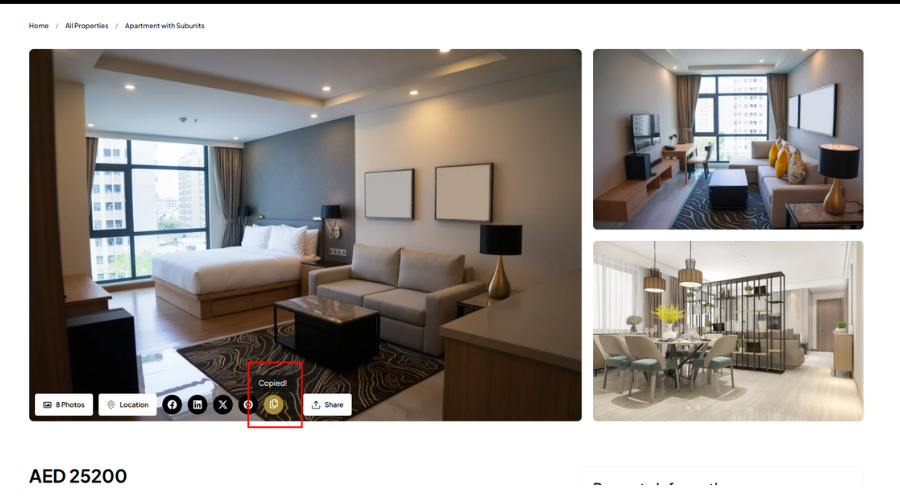
This lightweight plugin adds a copy button that copies the current page URL and shows a tooltip saying «Copied!».
Features:
- Shortcode:
[copy_url_button] - Lightweight and fast
- Stylish tooltip that fades in/out
- No configuration required
Skjermbilete
Installasjon
- Upload the plugin files to the
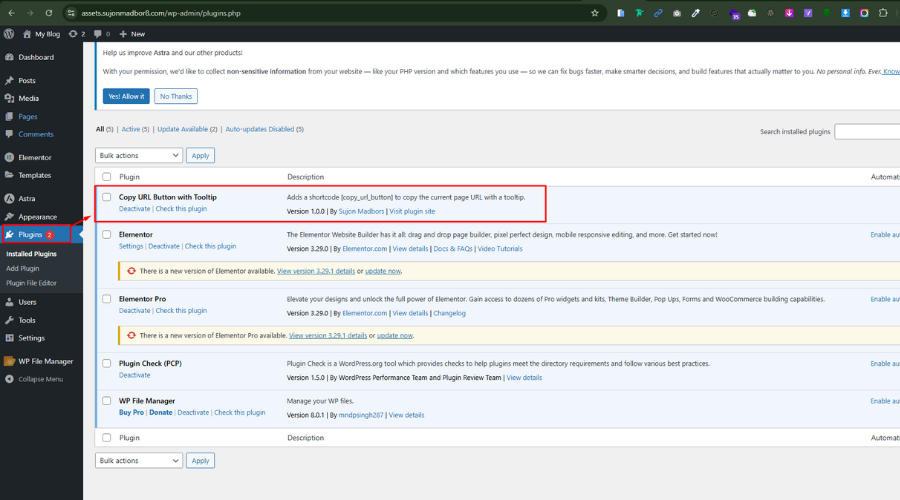
/wp-content/plugins/copy-url-button-with-tooltipdirectory, or install the plugin through the WordPress admin area. - Activate the plugin through the «Plugins» menu in WordPress.
- Use the
[copy_url_button]shortcode anywhere on your site.
Vanlege spm.
-
Can I use it anywhere?
-
Yes, the shortcode
[copy_url_button]can be used in posts, pages, widgets, or templates usingdo_shortcode().
Omtalar

31. mai 2025
Simple and effective! The "Copy URL Button with Tooltip" plugin does exactly what it promises—adds a clean copy-to-clipboard button with a helpful tooltip. Lightweight, easy to use, and perfect for quickly copying a URL and sharing.
Bidragsytarar og utviklarar
“Copy URL Button with Tooltip” is open source software. The following people have contributed to this plugin.
Contributors
Omset “Copy URL Button with Tooltip” til ditt eige språk.
Interested in development?
Les kjeldekoden, sjekk SVN-lageret eller abonner på utviklingsloggen med RSS.
Endringslogg
5.2.2
- Initial release