

Skildring
Tired of sitemap plugins that break your theme design, inject messy CSS, or force you to use styles that don’t match your brand?
Socrates MAP was built to solve that.
We created an intelligent visual engine that acts like a chameleon: it scans your website, detects your CSS variables, respects your page builder typography, and renders a perfect, ultra-lightweight and optimized structure.
Deploy your sitemap in 3 steps:
- Go to Map Designs and choose your template (Classic Tree or Simple List — both free).
- In Pages / Settings hide the pages you don’t want to show.
- Copy and paste the shortcode
[mapa_de_sitio_web]into any page or post.
What does the free version include?
- Classic Tree — vertical hierarchical layout, perfect for corporate and formal websites.
- Simple List — lightweight rendering with native bullets, ideal for footers or minimalist sitemaps.
- Page visibility control — hide pages from the map without affecting your SEO.
- Support for multiple sources: all pages or specific navigation menus.
- Fully compatible with Elementor, Divi, WPBakery, Gutenberg and any theme.
- Simple shortcode:
[mapa_de_sitio_web] - Internationalized: Spanish, English and Brazilian Portuguese included.
- Lightweight, no external dependencies, no external services.
Want more? The PRO version (available at socrates.cl) includes:
- 10 additional templates: Card Grid, Columns View, Dark Mode, Minimalist, Compact, 3D Isometric, Bento Grid, Dynamic Flow, Neomorphism and Timeline.
- Click analytics — discover which pages generate the most interaction.
- SVG icon or custom image injection per page.
- Dynamic page renaming without affecting URLs or SEO.
- Custom CSS from the panel — without touching theme files.
- Analytics export to CSV.
- Up to 3 active domains (Lifetime plan).
Skjermbilete
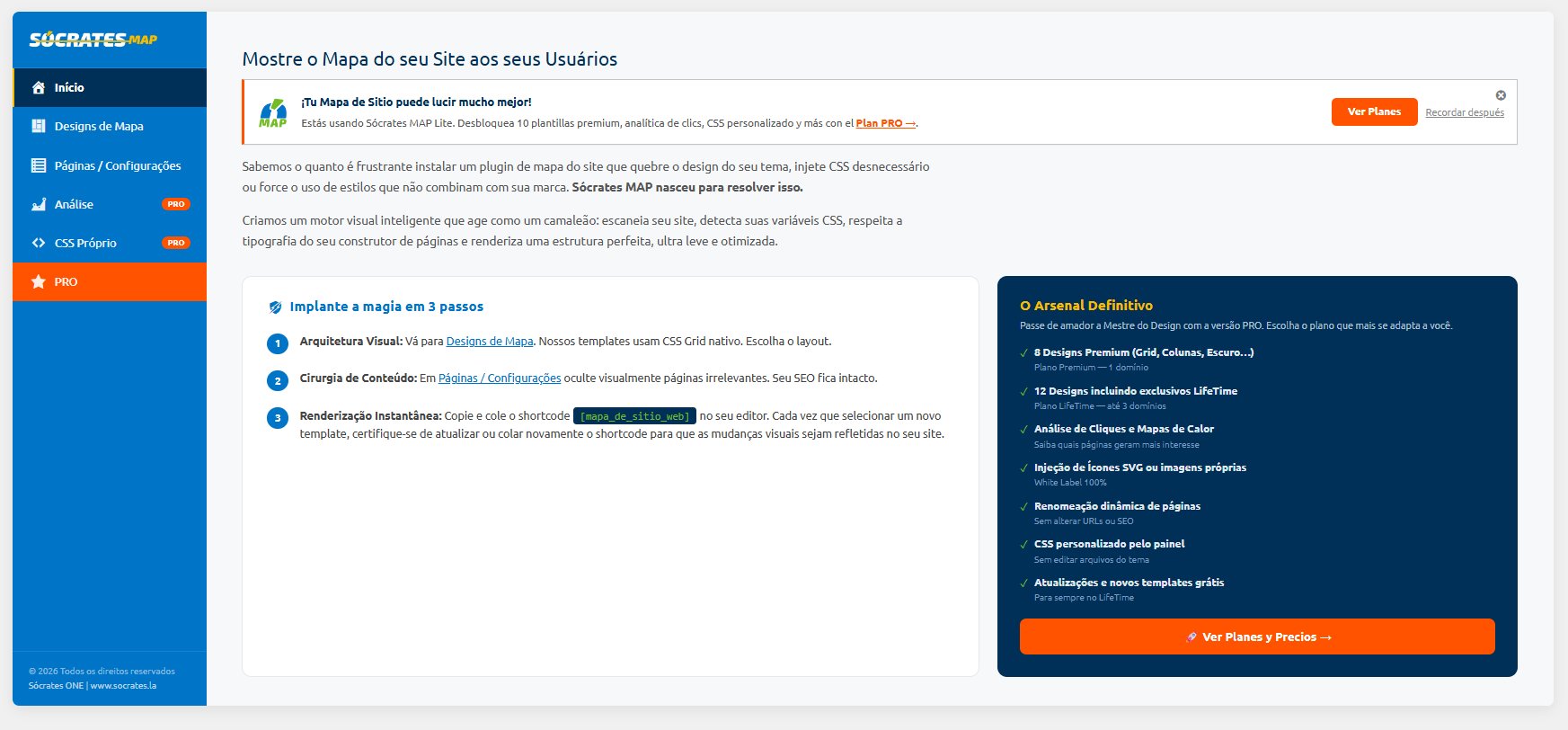
Main dashboard — welcome screen with the quick start guide and PRO benefits panel. 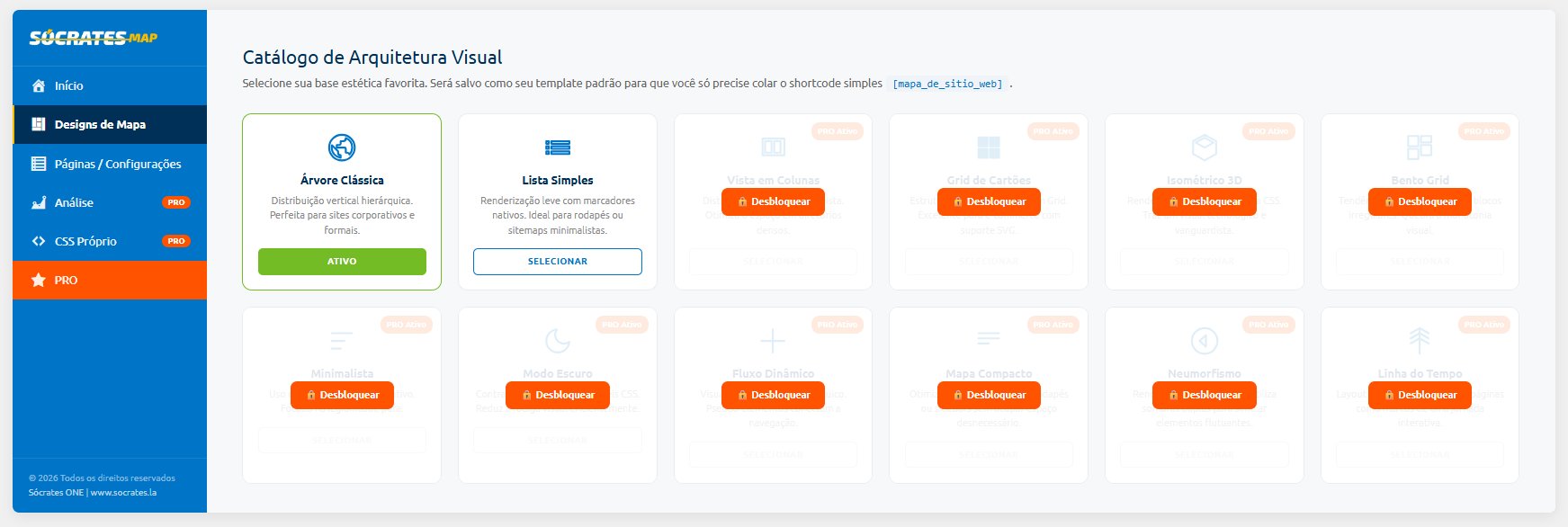
Map Designs tab — visual template catalog showing free templates and PRO designs available at socrates.cl. 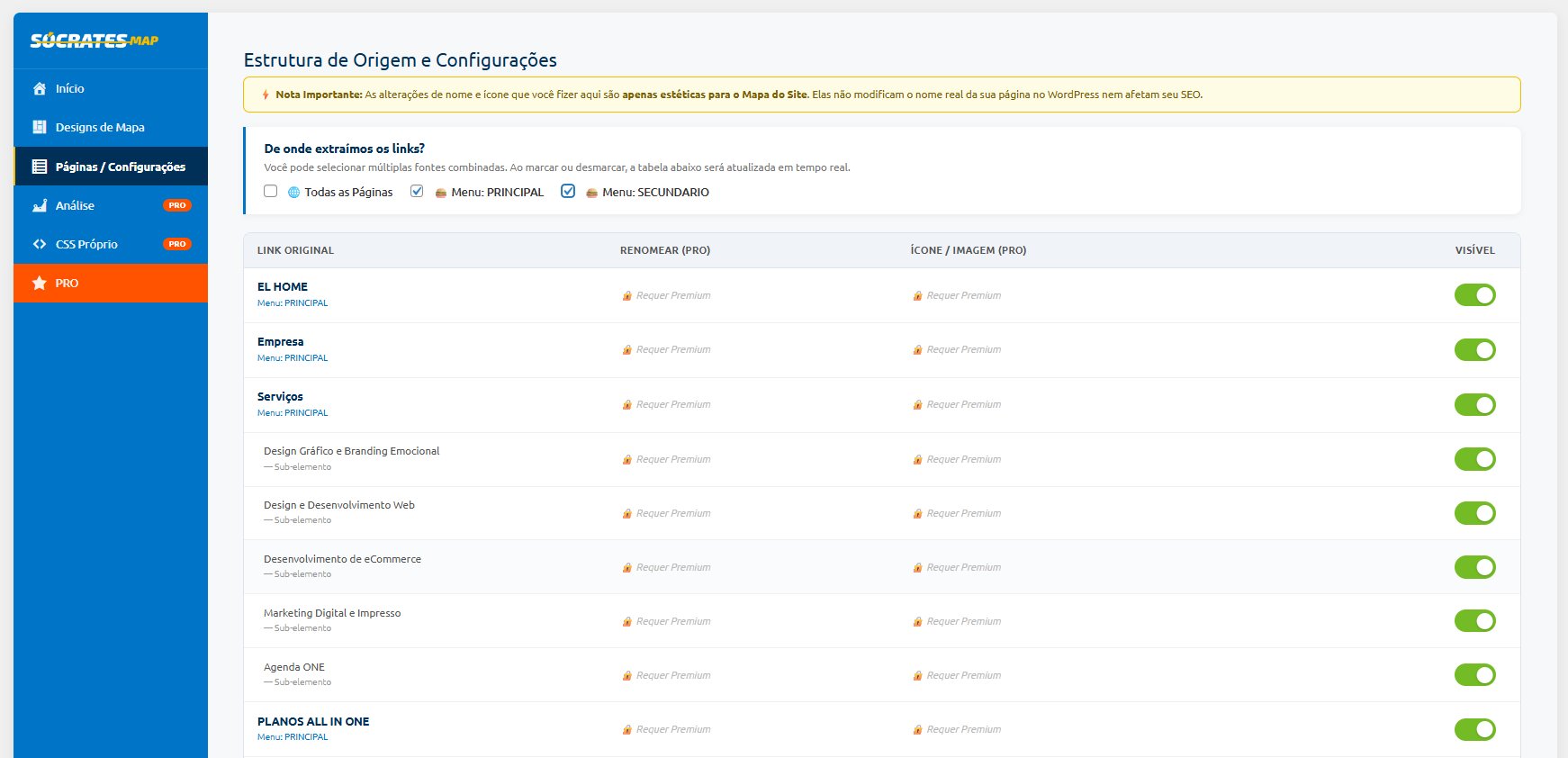
Pages / Settings tab — page visibility control with source selector and toggle switches. 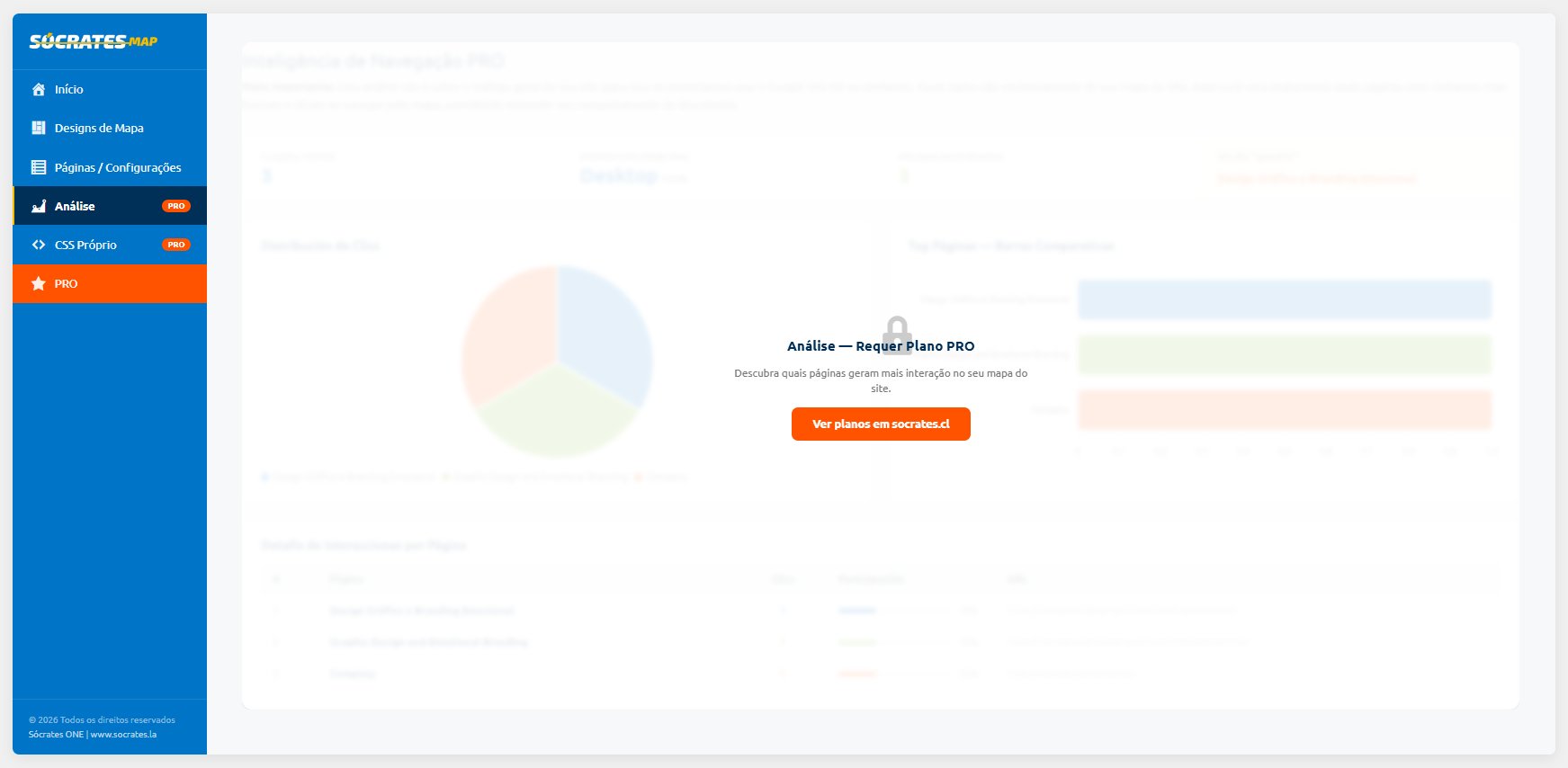
Classic Tree template rendered on the frontend — hierarchical visual sitemap in action.
Installasjon
Install from the WordPress directory:
- Go to Plugins > Add New.
- Search for «Socrates Site Map».
- Click Install Now and then Activate.
Manual installation:
- Download the plugin
.zipfile. - Go to Plugins > Add New > Upload Plugin.
- Select the
.zipfile and click Install Now. - Activate the plugin from the Plugins menu.
Usage:
- Go to Sócrates MAP in the WordPress admin sidebar.
- Select a template in the Map Designs tab.
- Adjust visible pages in Pages / Settings.
- Insert the shortcode
[mapa_de_sitio_web]into any page or post.
Vanlege spm.
-
Does the plugin affect my SEO?
-
No. The sitemap generated by this plugin is visual and intended for your website visitors. It is not an XML sitemap for search engines. Visibility changes are purely cosmetic and do not modify your URLs, real page titles, or any SEO metadata.
-
Is it compatible with my theme or page builder?
-
Yes. Socrates MAP automatically detects your theme’s CSS variables to adapt to its typography and color palette. It has been tested with Elementor, Divi, WPBakery, Avada, Astra, GeneratePress, and the WordPress block editor (Gutenberg).
-
How do I use the shortcode?
-
Paste
[mapa_de_sitio_web]into any page, post, or text widget. The map will render automatically using your selected default template. -
Can I hide pages from the map?
-
Yes. In the Pages / Settings tab you can disable the visibility of any page. This only affects the visual map — the page still exists on your site and in search engines.
-
Does the plugin connect to any external service?
-
No. The free version is entirely self-contained. It does not connect to any external server, API, or third-party service. All data is stored locally in your WordPress database.
-
How do I get the PRO version?
-
The PRO version is a separate plugin available for purchase at socrates.cl. It is not included in this free version and must be installed separately.
-
Do I need to clear my cache after saving changes?
-
Yes. If you use a caching plugin (WP Rocket, LiteSpeed Cache, W3 Total Cache, etc.) you must clear it after saving any changes for them to appear on the frontend.
Omtalar
There are no reviews for this plugin.
Bidragsytarar og utviklarar
“Socrates Site Map” is open source software. The following people have contributed to this plugin.
Contributors
Omset “Socrates Site Map” til ditt eige språk.
Interested in development?
Les kjeldekoden, sjekk SVN-lageret eller abonner på utviklingsloggen med RSS.
Endringslogg
2.2.0
- Separated free and PRO versions for WordPress.org compliance.
- Free version now includes Classic Tree and Simple List templates, fully functional without any license.
- Removed license validation system from the free version.
- All CSS now loaded via wp_add_inline_style (wp_enqueue_* API).
- All JavaScript now loaded via wp_add_inline_script (wp_enqueue_* API).
- Removed arbitrary CSS editor (per WordPress.org guidelines).
- Updated all function, class, option and hook names to use socsm_ prefix.
- Fixed all output escaping to use esc_html(), esc_attr(), esc_url() appropriately.
- No external service connections in the free version.
2.1.0
- Added tier system with license validation.
- Added click analytics with charts.
- Added analytics export to CSV.
- Added support for multiple simultaneous menu sources.
- Added live SVG icon preview.
2.0.0
- Added template engine with native CSS Grid.
- Added premium templates.
- Added SVG icon and image injection per page.
- Added dynamic page renaming.
- Added custom CSS from the admin panel.
- Added internationalization (i18n) support.
1.0.0
- Initial release with Classic Tree and Simple List templates.
- Shortcode
[mapa_de_sitio_web]. - Basic page visibility control.