

Skildring
IPScanner checks each visitor on your server and stops bots before they reach your forms. Real people never see a challenge.
What it stops
- Fake signups and spam registrations
- Comment and contact form spam
- Card-testing bots on WooCommerce checkout
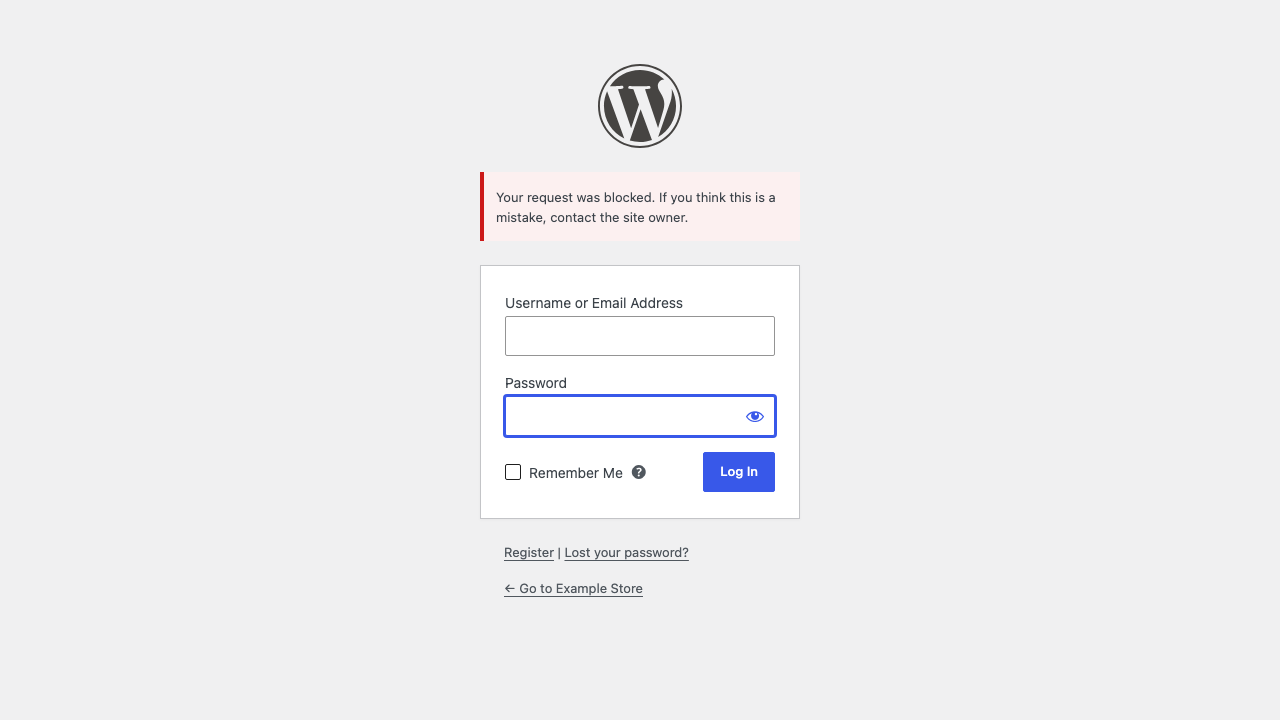
- Login attacks from bots, Tor and proxies
- VPN and proxy traffic where you don’t want it
Where it checks
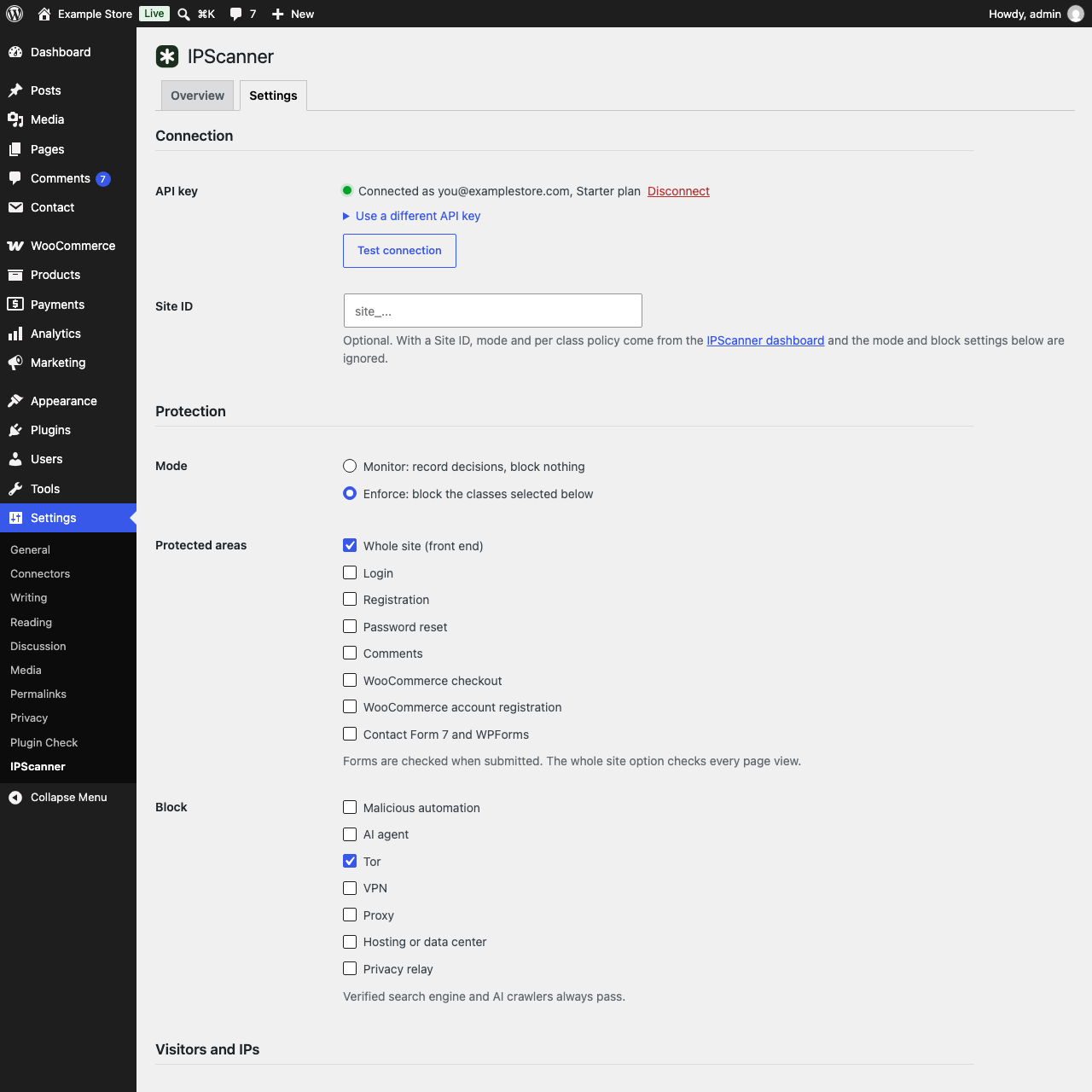
- Login, registration and password reset
- Comments
- WooCommerce checkout and account registration
- Contact Form 7 and WPForms
- The whole front end (optional)
Verified search engines and AI crawlers always pass. If the API is slow or down, visitors are let in.
Pricing
New accounts get 7 days of Starter from the first check. After that the Free plan keeps 30,000 requests a month in monitor mode, and blocking is on Starter, $19 a month. See plans
External services
This plugin connects to the IPScanner API at https://ipscanner.io, run by IPScanner. It is required for the plugin to work.
- When a protected form is submitted, or a page is viewed with whole site protection on, the plugin sends the visitor’s IP address, user agent and these request headers: Accept, Accept-Language, Accept-Encoding, Sec-CH-UA and Sec-Fetch headers. It also sends a random request ID and your Site ID when one is set. Endpoint:
POST /v1/edge/check. Results are cached on your site for 10 minutes per visitor. - With a Site ID set, the plugin reads the site’s policy (no visitor data) at most every 30 seconds. Endpoint:
GET /v1/sites/{site}/policy. - When an administrator opens Settings > IPScanner (at most every 5 minutes) or clicks Test connection, the plugin reads the plan and usage of the API key (no visitor data). Endpoint:
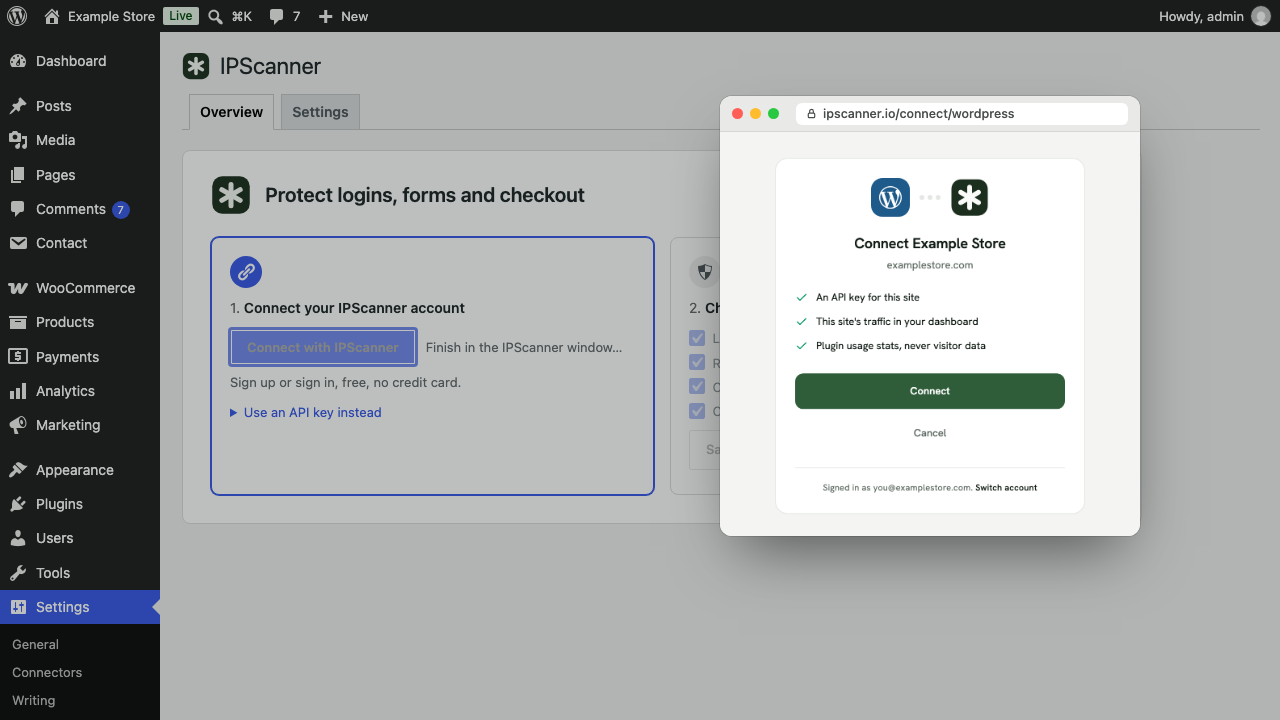
GET /v1/usage/summary. - Connect with IPScanner opens https://ipscanner.io/connect/wordpress with this site’s admin URL, home URL, name, plugin and WordPress versions. After you approve, the plugin exchanges a one-time code for the API key and Site ID. Endpoint:
POST /api/connect/wordpress/token. - With «Send plugin usage stats» on (Settings > Advanced; turned on when you connect, since the connect window asks for it), the plugin sends usage events with the API key: connected or disconnected, settings changed (which settings, the mode, protected areas and blocked classes), connection tested, the settings page opened (at most twice a day per tab), plugin updated or deactivated, and once a day the last 24 hours» totals (checked, blocked, top class) with the PHP and WordPress versions, locale and whether WooCommerce, Contact Form 7 or WPForms are active. No visitor data. Endpoint:
POST /api/wordpress/events.
Nothing is sent before you connect or save an API key.
Terms of service: https://ipscanner.io/terms
Privacy policy: https://ipscanner.io/privacy
Source code: https://github.com/ipscanner/ipscanner-wordpress
Skjermbilete
Installasjon
- Install and activate the plugin.
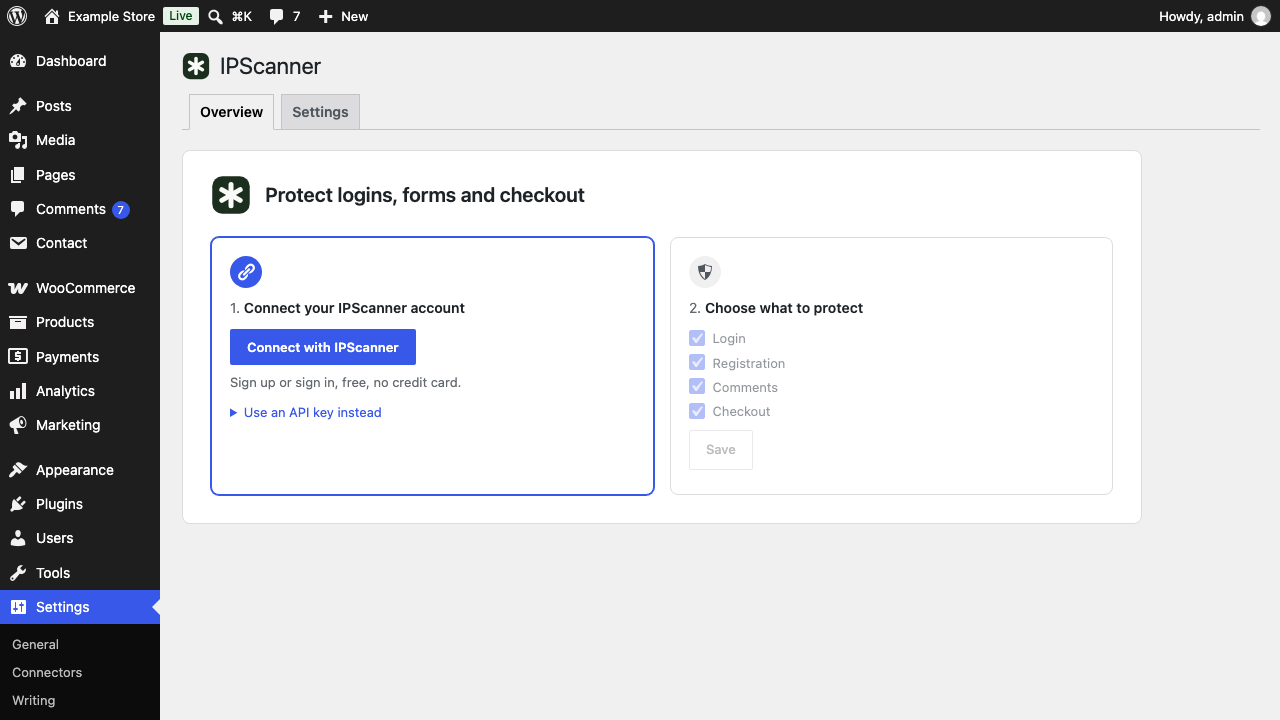
- Go to Settings > IPScanner and click Connect with IPScanner.
- Choose what to protect. Tor and bot scripts are blocked from the start.
You can also paste an API key from ipscanner.io or set it in wp-config.php: define( 'IPSCANNER_API_KEY', 'pk_live_...' );
Vanlege spm.
-
Is it a CAPTCHA?
-
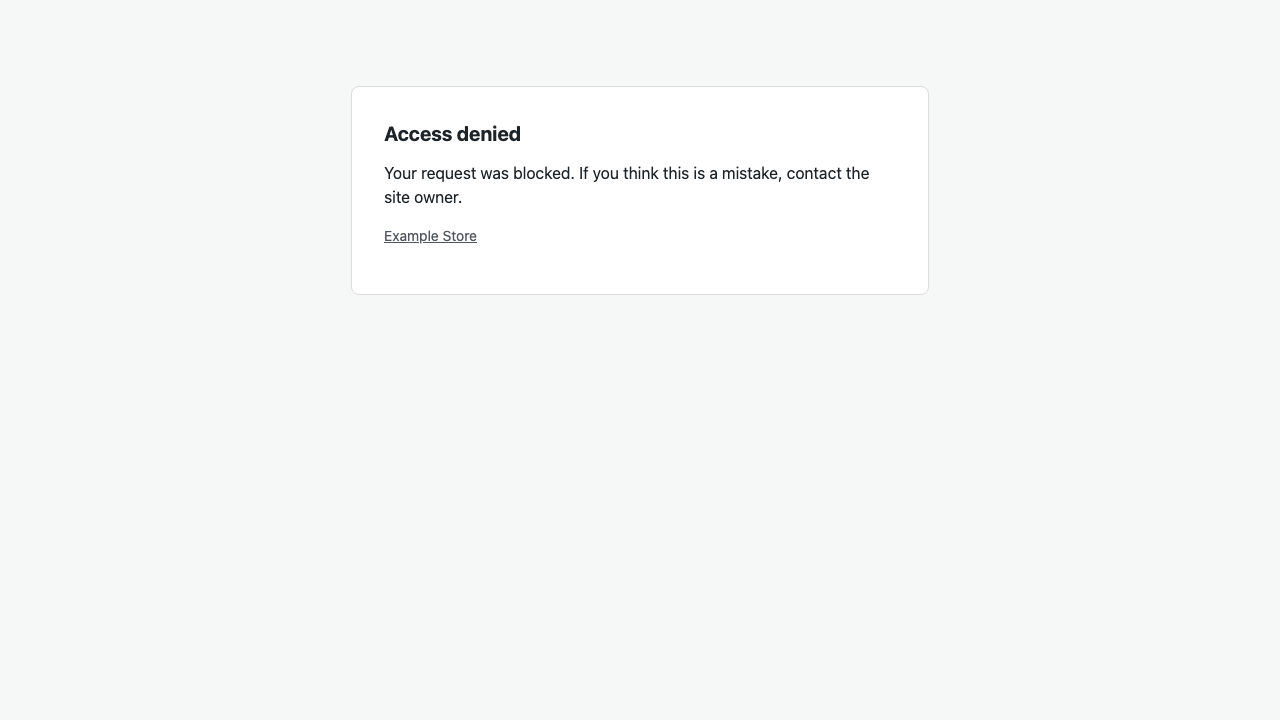
No. Visitors never solve a puzzle. Blocked visitors get an error message or a short 403 page.
-
Will it block Google or Bing?
-
No. Verified search engines and AI crawlers always pass.
-
What if IPScanner is down?
-
Visitors are let in. The plugin waits at most 1.5 seconds, then pauses checks for 30 seconds.
-
I locked myself out.
-
Administrators are let through while «Always allow administrators» is on. You can also add your IP to Always allow, or rename the plugin folder.
-
My site is behind Cloudflare or a proxy.
-
Choose Cloudflare or X-Forwarded-For under Visitor IP. Proxy headers are only read from trusted proxy addresses.
-
Does it work with page caching?
-
Logins, forms and checkout are never cached, so they are always checked. Pages served from a full page cache are not.
Omtalar
There are no reviews for this plugin.
Bidragsytarar og utviklarar
“IPScanner – Block Bots, VPNs & Proxies” is open source software. The following people have contributed to this plugin.
Contributors
Omset “IPScanner – Block Bots, VPNs & Proxies” til ditt eige språk.
Interested in development?
Les kjeldekoden, sjekk SVN-lageret eller abonner på utviklingsloggen med RSS.
Endringslogg
0.2.0
- Connect with IPScanner: sign up or sign in in a popup instead of copying an API key. Connecting also adds the site to your IPScanner dashboard.
- Disconnect button under Settings.
- Optional usage stats (Settings > Advanced).
0.1.3
- Plugin renamed to «IPScanner – Block Bots, VPNs & Proxies».
0.1.2
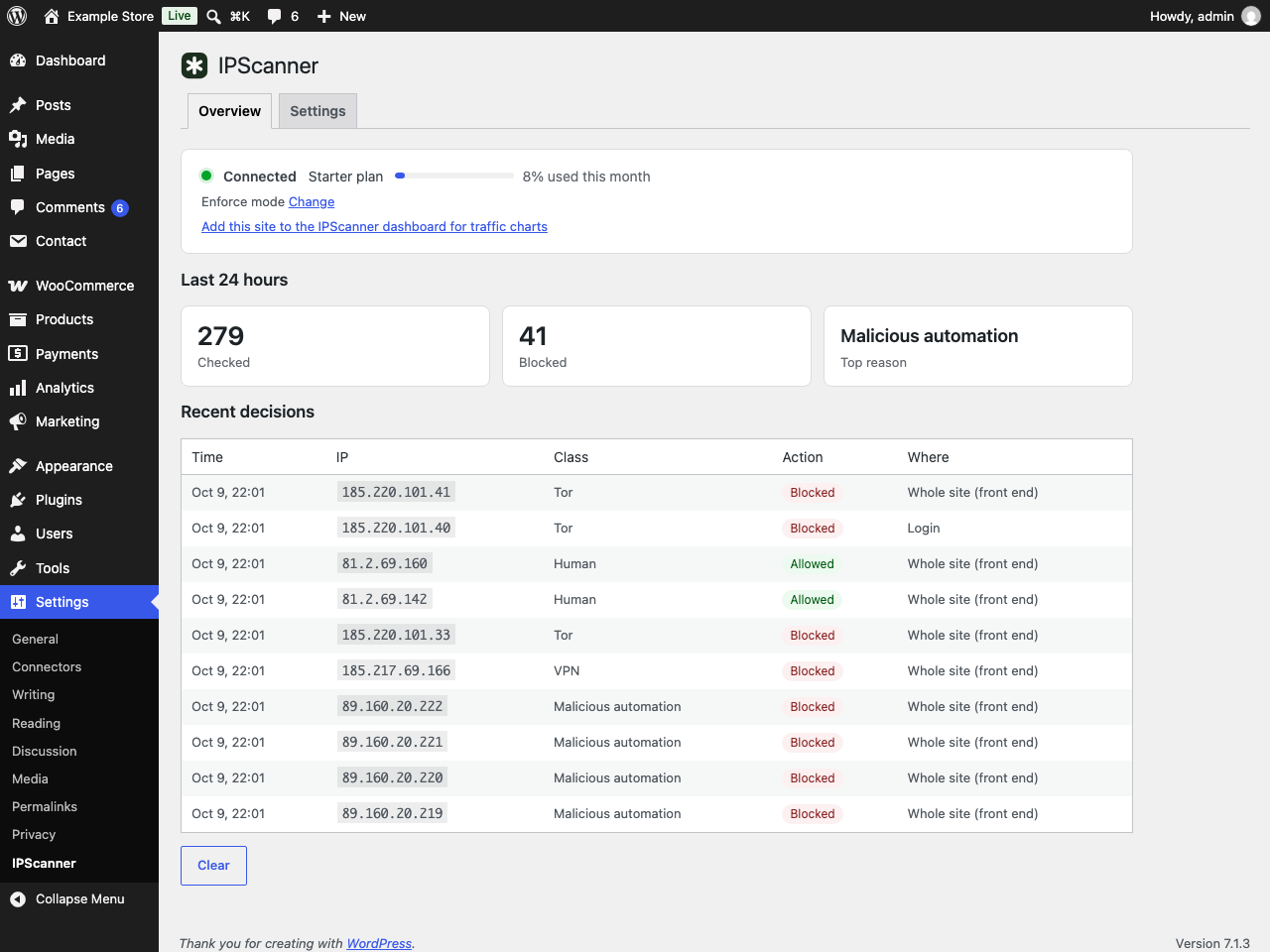
- Overview tab with connection status, the last 24 hours and recent decisions.
- Getting started card for new sites.
- Settings grouped into sections.
- The «Protected by IPScanner» link on the block page is now off by default.
0.1.1
- API key link opens the API keys page.
0.1.0
- First release: visitor checks with monitor and enforce modes, dashboard site policy, login, registration, password reset, comment, WooCommerce, Contact Form 7 and WPForms protection, allowlist, trusted proxies, recent decisions.