

Skildring
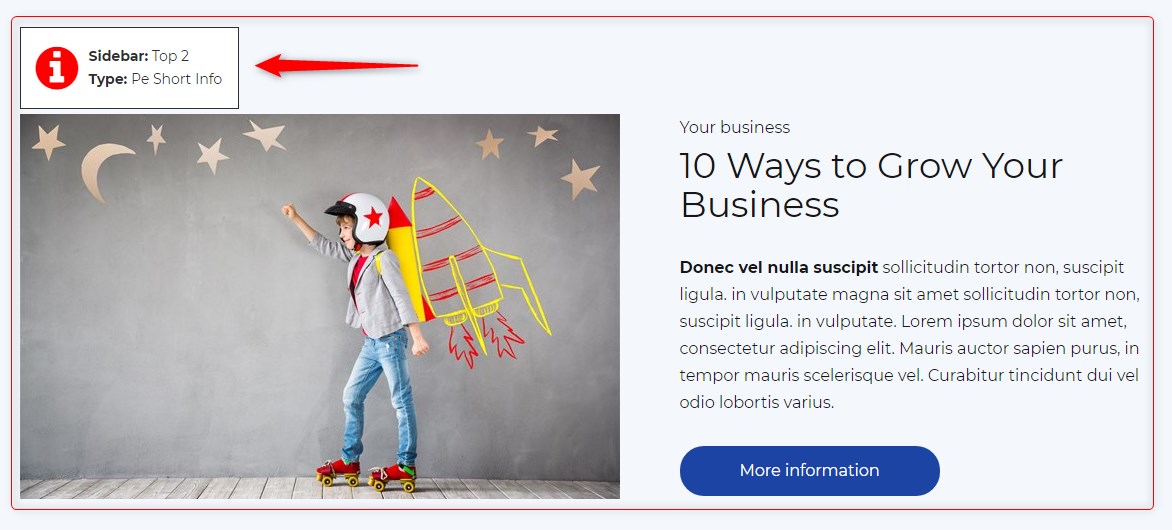
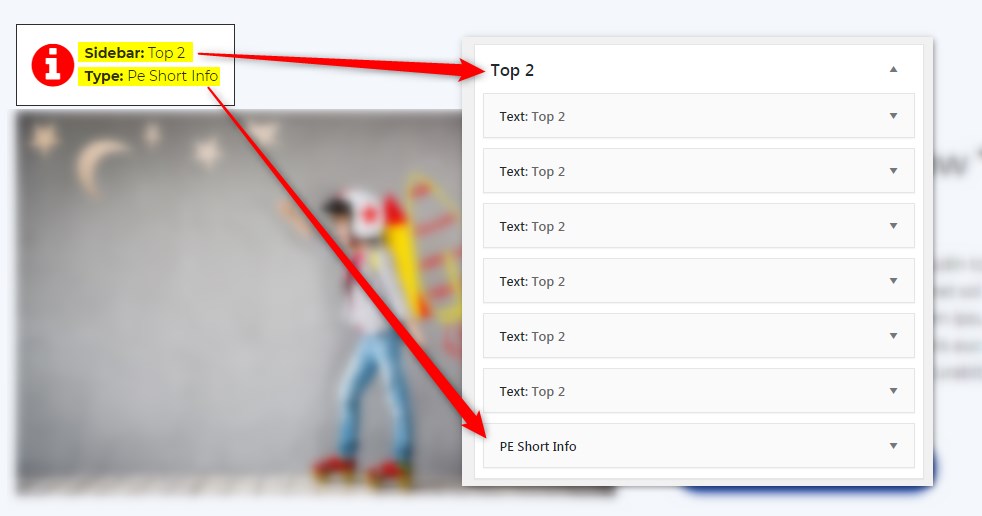
Get info about visible sidebars and widgets types and easily find them in the dashboard in Appearance -> Widgets
Skjermbilete
Installasjon
- In your admin panel, go to Plugins -> Add New and click the Upload Plugin button.
- Click Choose File, then select the plugin ZIP file. Click Install Now.
- Click Activate to activate the plugin.
Omtalar
There are no reviews for this plugin.
Bidragsytarar og utviklarar
“PE Theme Elements Info – get info about sidebars and widgets types” is open source software. The following people have contributed to this plugin.
Contributors
Omset “PE Theme Elements Info – get info about sidebars and widgets types” til ditt eige språk.
Interested in development?
Les kjeldekoden, sjekk SVN-lageret eller abonner på utviklingsloggen med RSS.
Endringslogg
1.10
- Added information about menus
- Fixed possible incorrect widget names in sidebars
- By default information about widgets or menus on the page will be displayed only for logged-in administrators